C Debugging
| Type | Quiz 4 Material |
|---|
Notes
Pass by Value and Pass by Reference When Using Pointers
When we pass-by-value we are passing a copy of the variable to a function. When we pass-by-reference we are passing an alias of the variable to a function. C can pass a pointer into a function but that is still pass-by-value. It is copying the value of the pointer, the address, into the function. In C++ a reference is an alias for another variable. C doesn’t have this concept, so it is always pass by value.
Basically passing in a pointer is like telling the callee where the variable to be changed is, so the callee can then go there and actually change it. the pointer itself in the callee function is just a copy of what was passed in, so any changes made to that will directly will not be reflected in any of the caller's variables
// pass by reference
void swap(int *a, int *b) {
	int t;

	t = *a;
	- a = *b;
	- b = t;
	}
Debugging
gdb → GNU Debugger
- Command line tool that lets you inspect and debug your code from within a shell/terminal
Steps
- First, we need to compile our code for gdb
- gcc -g -o <name-of-output-file> <source-file>
- g tells the compiler to add debug information, which GDB needs in order to work
- o lets you rename your output file (the default filename is a.out)
- The Makefile we give you does this for you automagically when you run make tests
- gdb <name-of-output-file>
- Starts gdb and loads it with <name-of-output-file>
- Alternatively, with our Makefile:
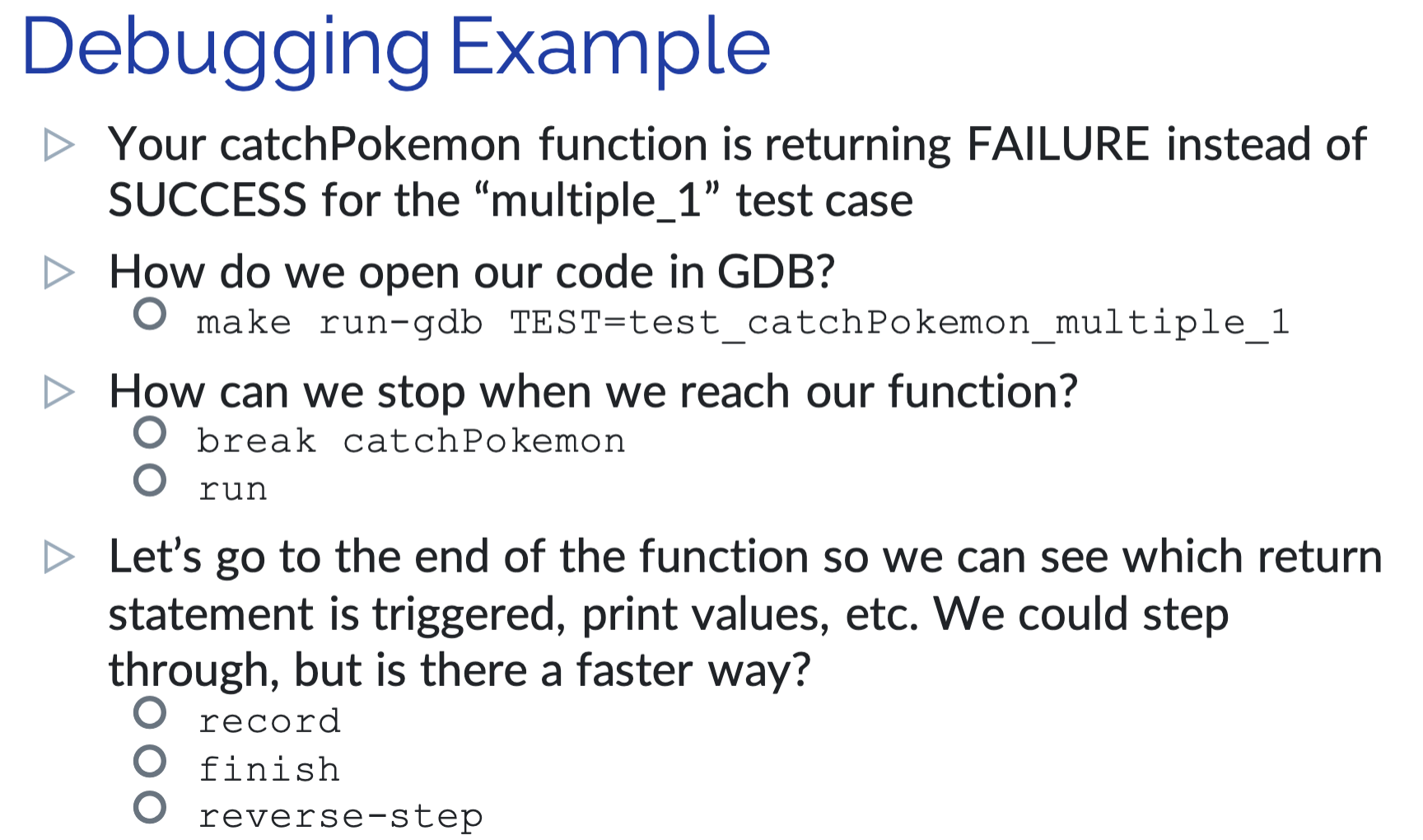
- make run-gdb TEST=<name of test case>
- make run-gdb TEST=test_catchPokemon_single
- The following commands must be run from within gdb:
- run <args>
- Runs the program to be debugged
- Whatever arguments you pass in will be passed along to the program
- run <args>
- break <where>
- Sets a new breakpoint at <where>
- <where> = function-name | line-number | file:line-number
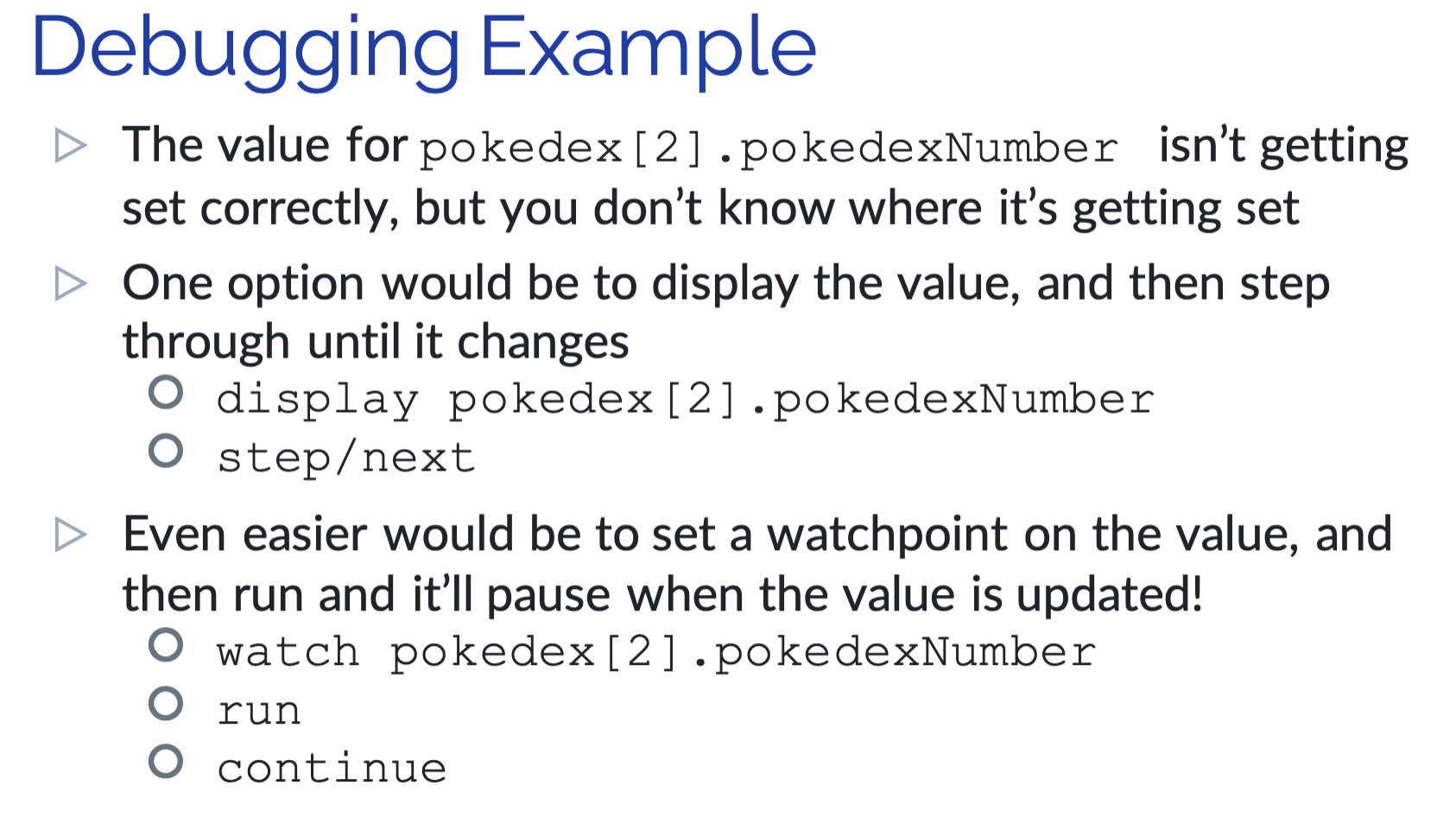
- watch <what>
- Sets a new watchpoint on a variable or expression
- The program will pause when <what> changes
- step
- Run the next line of code, stepping into any functions
- next
- Run the next line of code, stepping over any functions
- print <what>
- Prints <what> to the console
- <what> = variable-name | expression
- display <what>
- Prints <what> to the console, but every step after it will continue to print <what>
- backtrace
- Displays the call stack
- Useful for debugging seg faults
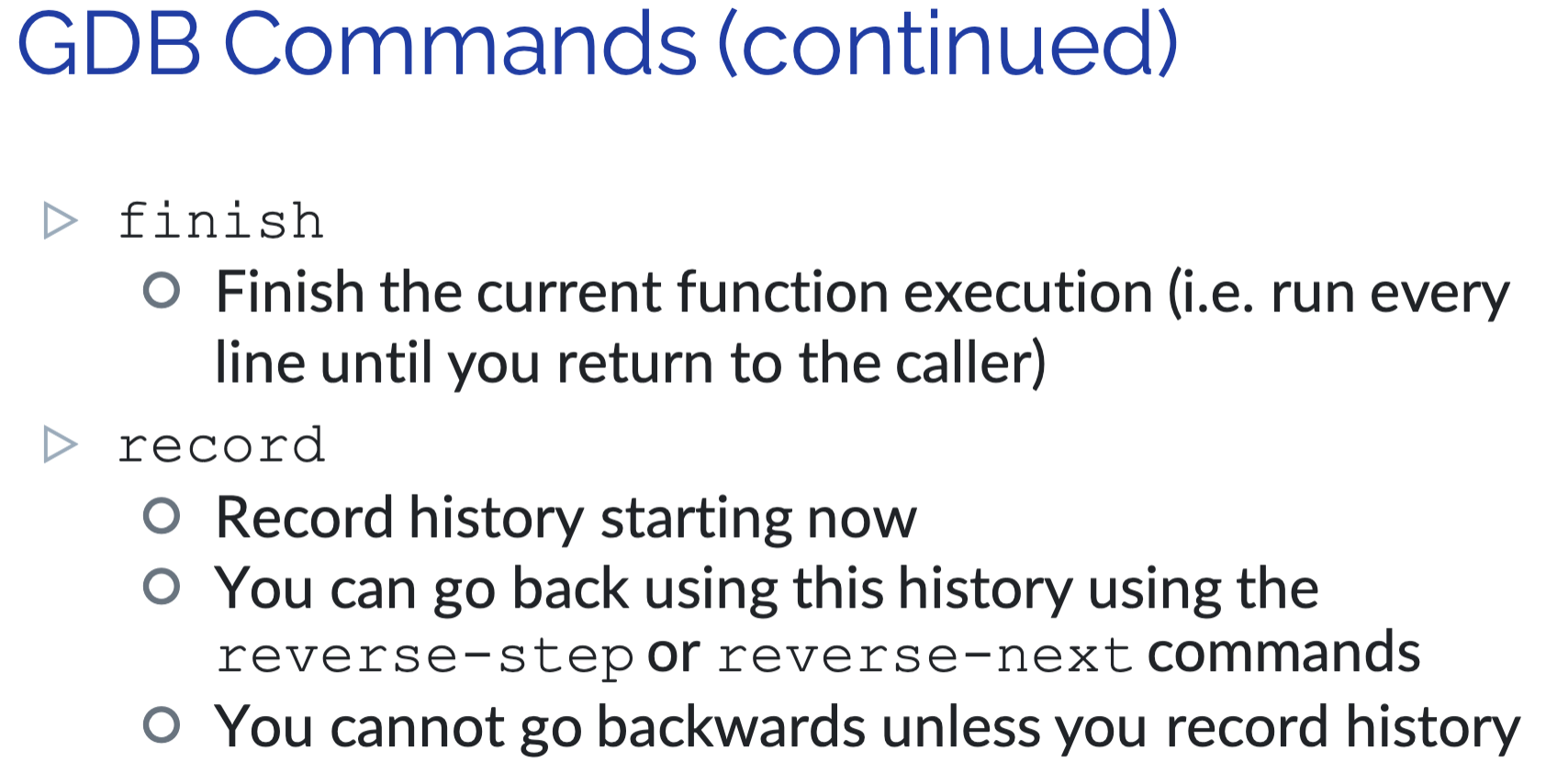
- finish
- Finish the current function execution (i.e. run every line until you return to the caller)
- record
- Record history starting now
- You can go back using this history using the reverse-stepor reverse-next commands
- You cannot go backwards unless you record history
Example
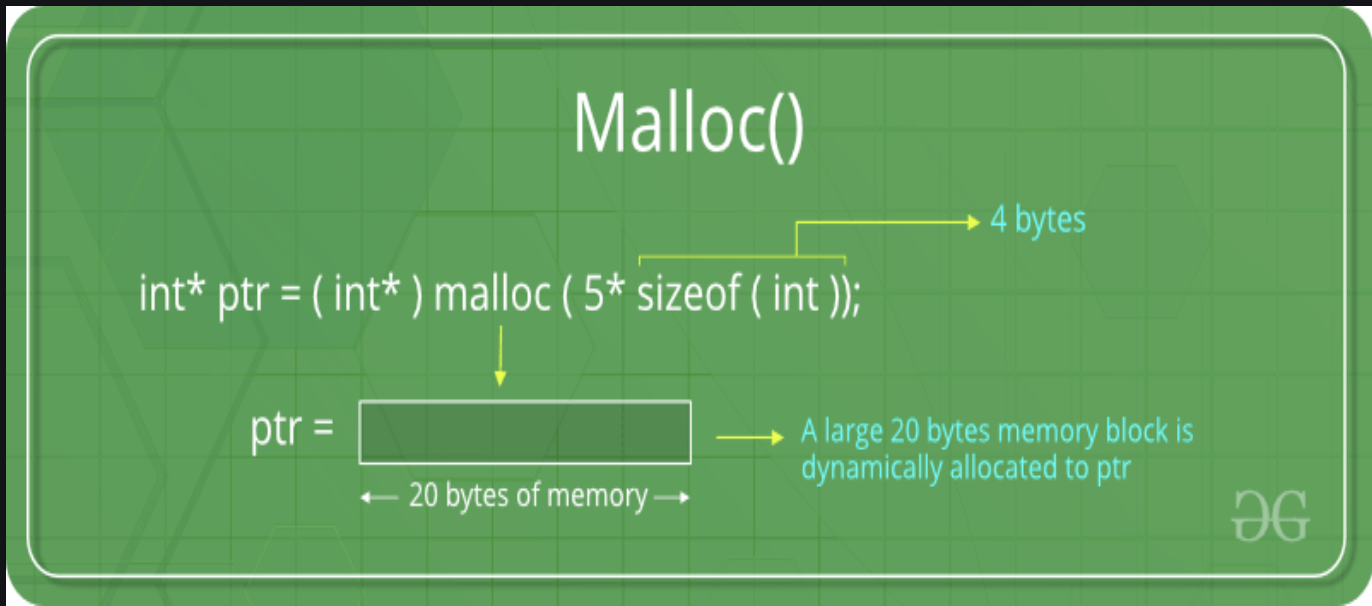
Malloc()
The C library function void *malloc(size_t size) allocates the requested memory and returns a pointer to it.
Graphical
#include <stdio.h>
#include <stdlib.h>

int main () {
   char *str;

   /* Initial memory allocation */
   str = (char *) malloc(15);
   strcpy(str, "tutorialspoint");
   printf("String = %s,  Address = %u\n", str, str);

   /* Reallocating memory */
   str = (char *) realloc(str, 25);
   strcat(str, ".com");
   printf("String = %s,  Address = %u\n", str, str);

   free(str);

   return(0);
}

//compile and run:
String = tutorialspoint, Address = 355090448
String = tutorialspoint.com, Address = 355090448
Calloc
“calloc” or “contiguous allocation” method in C is used to dynamically allocate the specified number of blocks of memory of the specified type. it is very much similar to malloc() but has two different points and these are:
- It initializes each block with a default value ‘0’.
- It has two parameters or arguments as compare to malloc().
Graphical
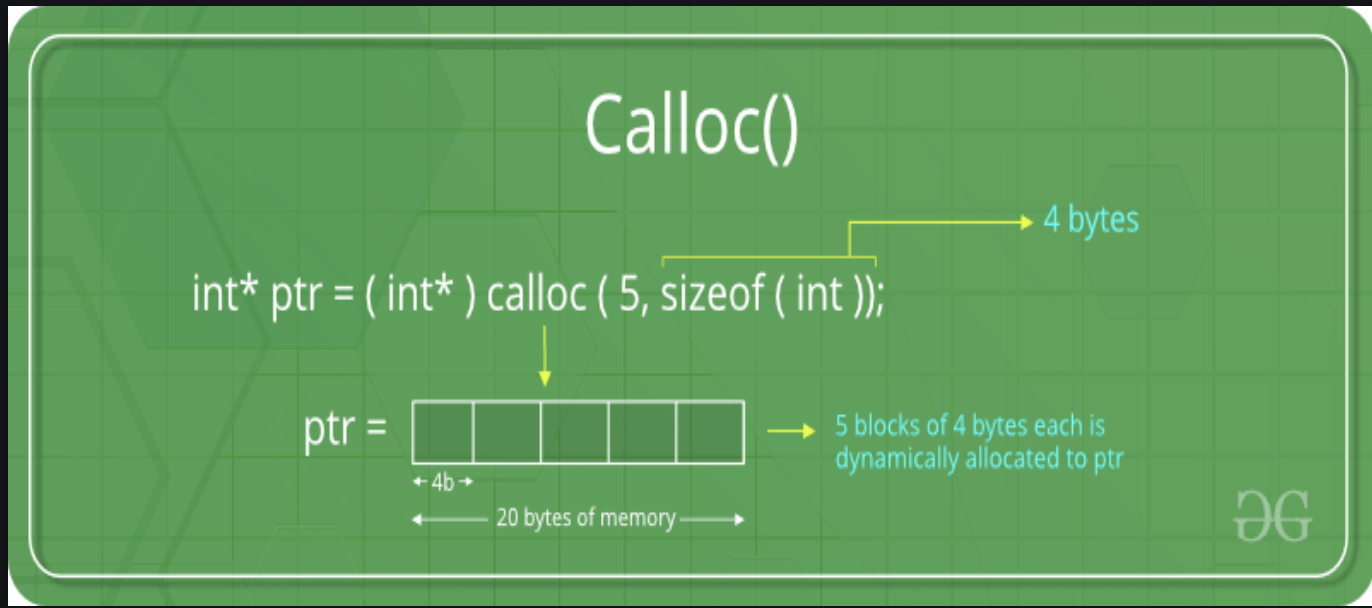
ptr = (float*) calloc(25, sizeof(float));
This statement allocates contiguous space in memory for 25 elements each with the size of the float.
#include <stdio.h>
#include <stdlib.h>

int main()
{
	// This pointer will hold the
	// base address of the block created
	int* ptr;
	int n, i;

	// Get the number of elements for the array
	n = 5;
	printf("Enter number of elements: %d\\n", n);

	// Dynamically allocate memory using calloc()
	ptr = (int*)calloc(n, sizeof(int));

	// Check if the memory has been successfully
	// allocated by calloc or not
	if (ptr == NULL) {
		printf("Memory not allocated.\\n");
		exit(0);
	}
	else {

		// Memory has been successfully allocated
		printf("Memory successfully allocated using calloc.\\n");

		// Get the elements of the array
		for (i = 0; i < n; ++i) {
			ptr[i] = i + 1;
		}

		// Print the elements of the array
		printf("The elements of the array are: ");
		for (i = 0; i < n; ++i) {
			printf("%d, ", ptr[i]);
		}
	}

	return 0;
}
C realloc() method
“realloc” or “re-allocation” method in C is used to dynamically change the memory allocation of a previously allocated memory. In other words, if the memory previously allocated with the help of malloc or calloc is insufficient, realloc can be used to dynamically re-allocate memory. re-allocation of memory maintains the already present value and new blocks will be initialized with the default garbage value.
Graphical
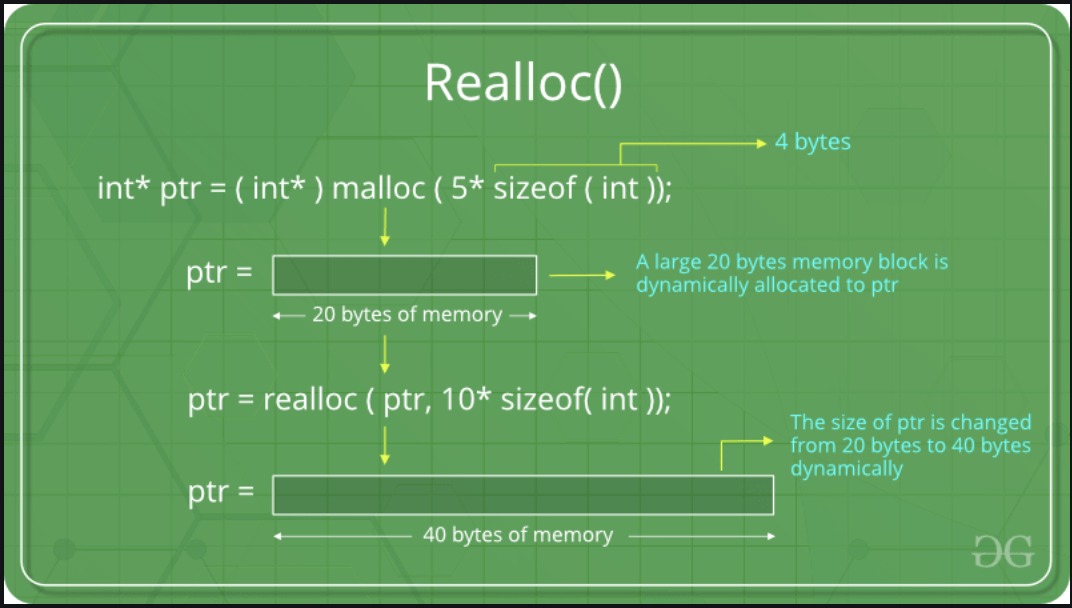
ptr = realloc(ptr, newSize);

where ptr is reallocated with new size 'newSize'.

#include <stdio.h>
#include <stdlib.h>

int main()
{

	// This pointer will hold the
	// base address of the block created
	int* ptr;
	int n, i;

	// Get the number of elements for the array
	n = 5;
	printf("Enter number of elements: %d\n", n);

	// Dynamically allocate memory using calloc()
	ptr = (int*)calloc(n, sizeof(int));

	// Check if the memory has been successfully
	// allocated by malloc or not
	if (ptr == NULL) {
		printf("Memory not allocated.\n");
		exit(0);
	}
	else {

		// Memory has been successfully allocated
		printf("Memory successfully allocated using calloc.\n");

		// Get the elements of the array
		for (i = 0; i < n; ++i) {
			ptr[i] = i + 1;
		}

		// Print the elements of the array
		printf("The elements of the array are: ");
		for (i = 0; i < n; ++i) {
			printf("%d, ", ptr[i]);
		}

		// Get the new size for the array
		n = 10;
		printf("\n\nEnter the new size of the array: %d\n", n);

		// Dynamically re-allocate memory using realloc()
		ptr = realloc(ptr, n * sizeof(int));

		// Memory has been successfully allocated
		printf("Memory successfully re-allocated using realloc.\n");

		// Get the new elements of the array
		for (i = 5; i < n; ++i) {
			ptr[i] = i + 1;
		}

		// Print the elements of the array
		printf("The elements of the array are: ");
		for (i = 0; i < n; ++i) {
			printf("%d, ", ptr[i]);
		}

		free(ptr);
	}

	return 0;
}
Questions & Answers
- What are some of the things you've seen so far in C that will result in segmentation faults?
Student Solution
- means your program has attempted to access an area of memory that it is not allowed to access
- examples
- dereferencing a null pointer or pointer that contains value 0
TA Solution
- Dereferencing a pointer that contains the value 0 or NULL
- Trying to change memory you are unable to access
- In general: attempting to access a memory address you are not allowed access to
- Practice question: a programmer that was new to C wanted to make a copy of a string named
str. They wrote the following code:char *copy; int len = strlen(str); strncpy(copy, str, len + 1);Why doesn't the above code work? What would happen if this code was run? What are some alternative strategies the programmer could use instead?
Student Solution
- The code doesn’t work because ‘copy’ was not initialized to an address and hence when ‘copy’ is used in line 3 there is no defined place for the string ‘str’ to be copied to
- If the code was ran there would be a segmentation fault
- char copy[len+1];
- could also malloc() space for copy if keeping it on the heap is preferred
TA Solution
- The code doesn’t work because ‘copy’ was not initialized to an address and hence when ‘copy’ is used in line 3 there is no defined place for the string ‘str’ to be copied to
- If the code was ran there would be a segmentation fault
- char copy[len+1];
- could also malloc() space for copy if keeping it on the heap is preferred
- Practice question: the same programmer realizes that no space is being allocated for the string. They try to write this instead:
char *copy = "";
int len = strlen(str);
strncpy(copy, str, len + 1);
Even though
copyis no longerNULLor some other garbage memory address like it was beforehand, the code still segfaults! Why doesn't the above code work? What are some alternative strategies the programmer could use instead to approach this problem?
Student Solution
- Initializing *copy with a string literal. String literals are read only and cannot be modified. this piece of code is attempting to modify read only memory, which is causing a segfault
- To fix this use array notation: char copy[len+1]; (or malloc() like above)
TA Solution
- Initializing *copy with a string literal. String literals are read only and cannot be modified. this piece of code is attempting to modify read only memory, which is causing a segfault
- To fix this use array notation: char copy[len+1]; (or malloc() like above)